
5 ways to Make Your Website Look More Professional
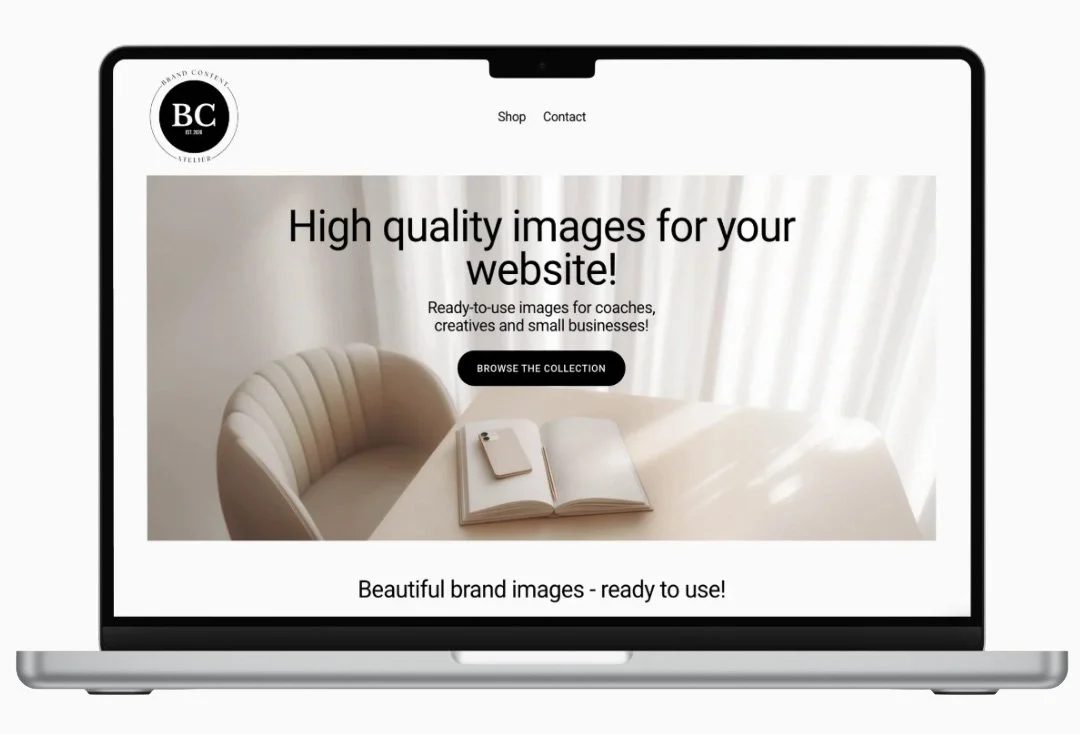
5 Simple Ways to Make Your Website Look More Professional
When someone visits your website for the first time, they form an opinion within just a few seconds. Before they read your text or learn about your services, they notice your images, colors, typography and overall layout.
The good news is that creating a professional-looking website doesn't necessarily require a complete redesign. Often, a few thoughtful visual changes can make a significant difference.
Here are five simple ways to create a website that feels modern, trustworthy and beautifully put together.
1. Choose a Consistent Color Palette
One of the easiest ways to make your website feel more professional is to keep your color palette simple.
Many websites use too many different colors, making them feel busy and distracting. Instead, choose three to five colors that work well together and use them consistently across your website.
Soft neutrals such as white, sand, beige and warm grey create a calm and timeless look. If your brand needs more personality, add one accent color that appears throughout your buttons, headings or graphics.
A consistent color palette immediately creates a sense of harmony and helps visitors focus on your content rather than unnecessary visual noise.
2. Use Images That Tell a Story
Images are often the very first thing visitors notice.
Instead of filling your website with generic stock photos that feel staged or unrelated to your business, choose images that support your brand story.
Lifestyle images, workspace details, notebooks, coffee cups, creative desks or beautifully styled interiors can communicate professionalism without showing people in every photo.
The goal is not simply to decorate your website but to create an atmosphere that reflects your brand personality.
When all of your images share a similar style, colors and mood, your website instantly feels more polished and memorable.
3. Give Your Content More Space
Professional websites rarely feel crowded.
One common mistake is trying to fit too much information onto every page. Large blocks of text, too many images and closely packed sections can quickly overwhelm visitors.
Instead, allow your content to breathe.
Use generous spacing between sections, larger images and shorter paragraphs. White space isn't empty space—it's an important design element that helps guide the eye and makes your content easier to read.
A clean layout feels more modern, more elegant and more confident.
4. Keep Your Typography Simple
Typography has a surprisingly big impact on how professional your website feels.
Choose one font for headings and one for body text, and use them consistently throughout your site.
Avoid decorative fonts that are difficult to read. Clean, modern typography creates clarity and allows your images to stand out.
Large headlines, comfortable line spacing and a clear visual hierarchy make your content easier to scan and give your website a premium appearance.
Remember: simplicity almost always looks more professional than complexity.
5. Create One Consistent Visual Style
The most beautiful websites have one thing in common - they feel cohesive.
Every image, color, graphic and design element seems to belong together.
Before adding a new image to your website, ask yourself:
Does it match my existing color palette?
Does it fit the mood of my brand?
Would it look natural next to my other images?
Building a consistent visual identity takes time, but it creates trust and helps visitors remember your brand.
Instead of collecting random images from different sources, consider working with a carefully curated collection that shares the same aesthetic from beginning to end.
Final Thoughts
A professional website isn't about adding more design elements - it's about making better visual choices.
A consistent color palette, thoughtful imagery, clean typography and plenty of space can completely change how your brand is perceived.
Small improvements often have the biggest impact.
If you're looking for beautiful, high-resolution images to refresh your website, you can start with our free collection.
Download 5 free stock photos and create a calm, modern and professional online presence.